
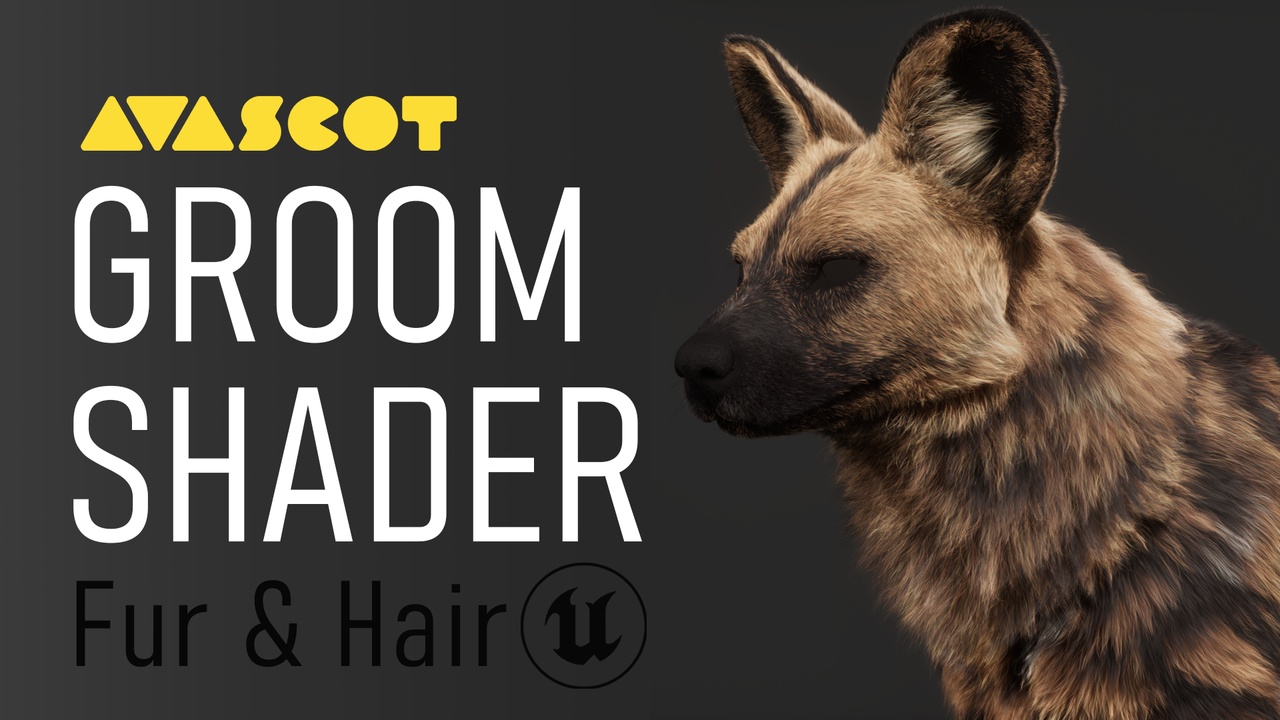
- Версия Unreal Engine
- 5.7
KEY FEATURES
- Support for up to 5 distinct groom areas
- Blend area system with standard blending modes or a probability based distribution
- Advanced control over fur variation, including per hair selection and soft variation between individual fibers
- Detailed root and tip controls with adjustable transition contrast and color length variation
- Additional color mask section for localized and targeted color variation
INCLUDED
- A full tutorial explaining every shader parameter
- A complete walkthrough on a real production asset
- A demo scene to test and explore the shader
- A curated set of variables used in our high quality grooming pipeline
- A setup for painting multi-channel masks in Substance Painter
Technical details
Number of Materials: 1Number of Material Instances: 1
Number of Textures: 0
Supported Development Platforms:
- Windows: Yes
- Mac: Not tested
Important/Additional Notes:
The AVASCOT Groom Shader is located in the Unreal Engine content directory at: 00_AVASCOT/MATERIALS/AV_GROOM
This folder contains the master groom material and all required material used by the shader.
Enable the Console Variables Editor from the Plugins window, then open our CVC file to access and use our custom groom variables.
Make sure your groom is exported with the Root UV attribute.